
Business contact extraction
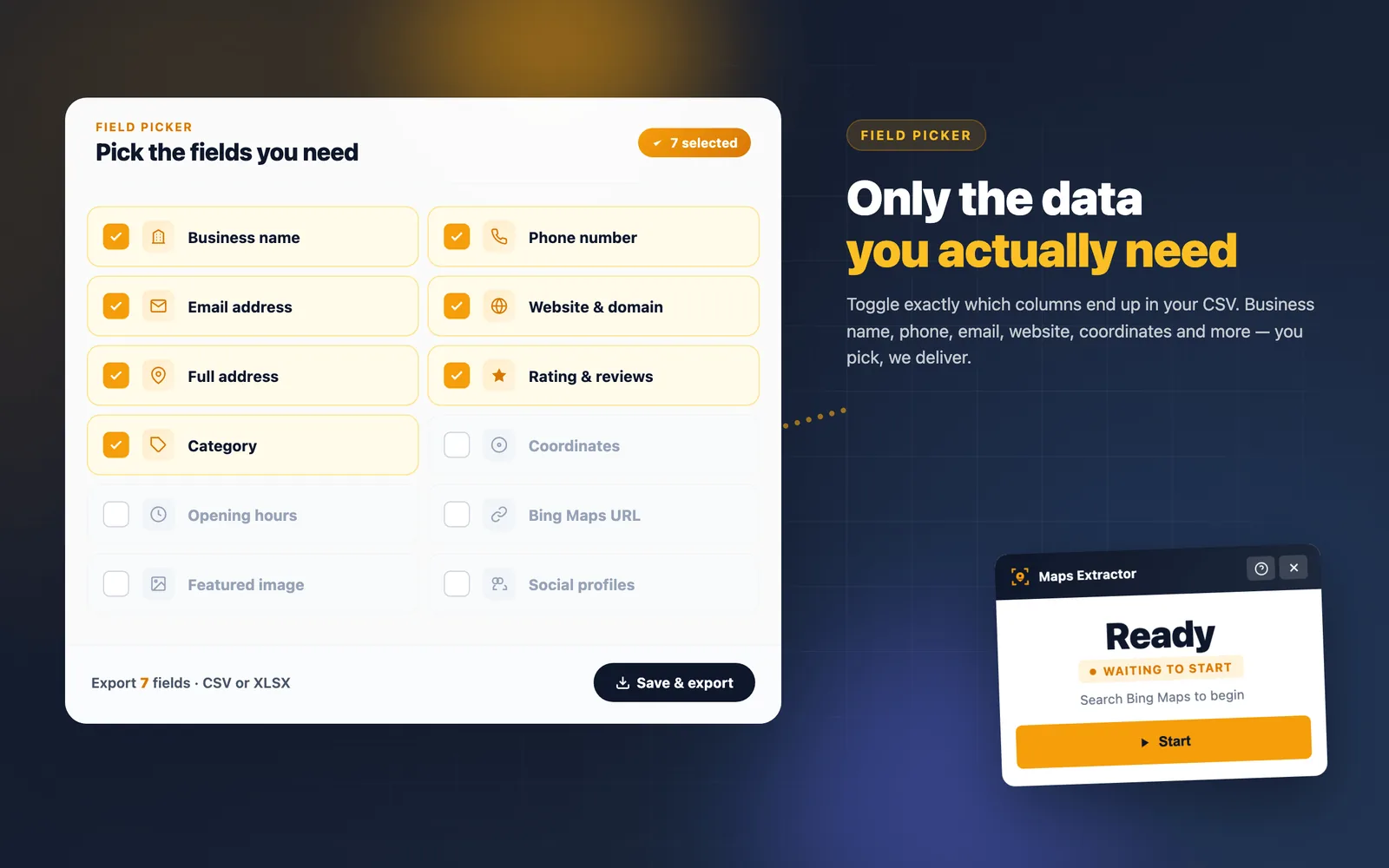
Capture names, categories, full addresses, phone numbers, websites, ratings, review counts, and Bing Maps URLs.
Maps Extractor · Free Bing Maps scraper
Pull business names, phone numbers, websites, categories, ratings and coordinates from Bing Maps search results — as many as you need, for free, without an account.
Bing Maps Extractor pulls the fields you care about from Bing Maps search results and hands them back as a ready-to-use lead list.
Capture names, categories, full addresses, phone numbers, websites, ratings, review counts, and Bing Maps URLs.
Latitude and longitude come straight from the routable point Bing already knows about, no separate lookup needed.
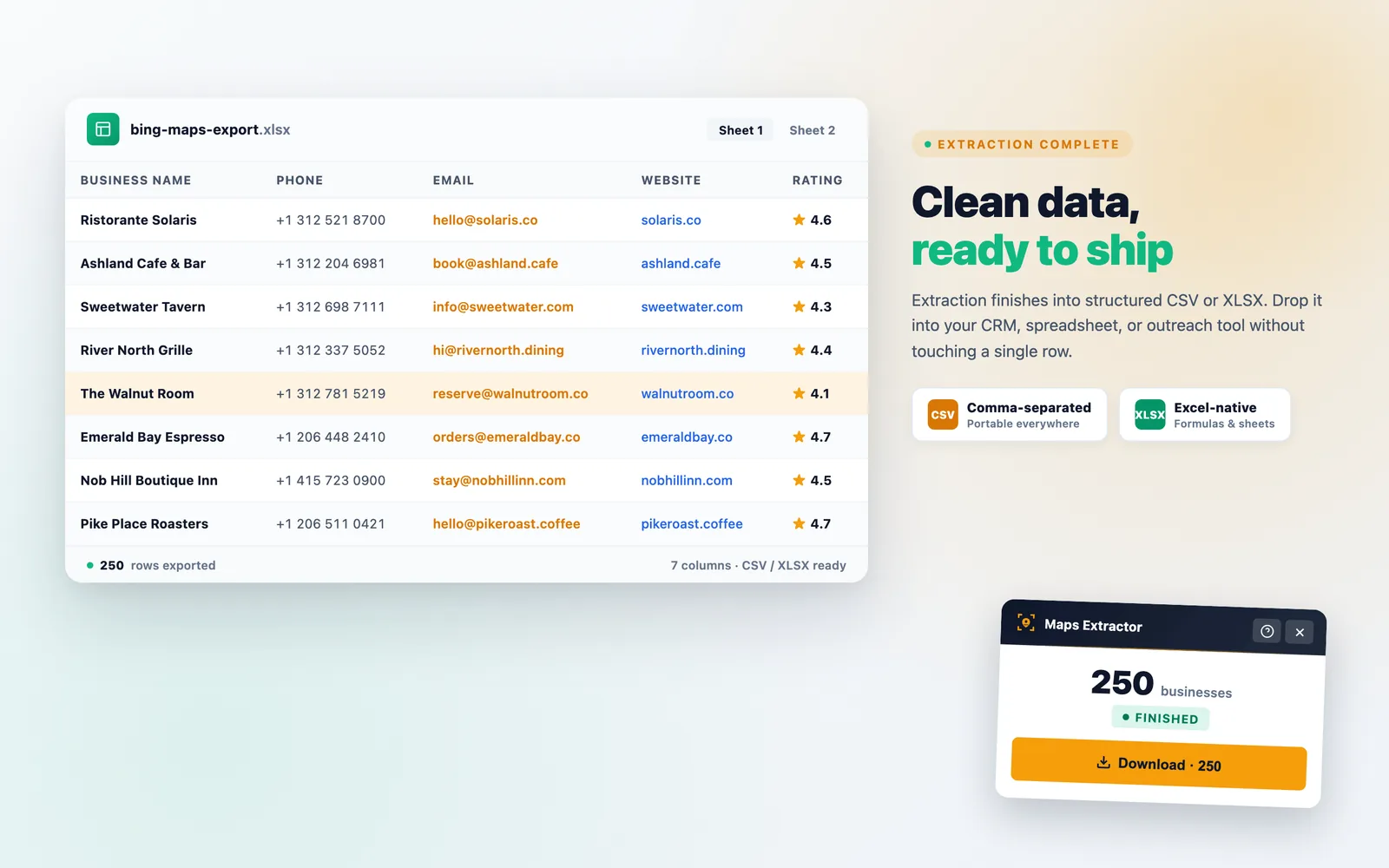
Pick the fields you want and download a lead list that opens in Excel, Google Sheets or your CRM.
Pause, resume, reset, and adjust the extraction session without losing the results you already collected.
Use Bing Maps to search a city, neighborhood, or category the way you normally would.
Open Bing Maps Extractor from the toolbar. Drag the map or click Search this area and the extension keeps collecting new results.
Download a spreadsheet with the fields you picked — ready for sales, marketing, recruiting, or research.
Basic extraction does not require an account. Preferences and progress live in Chrome storage. Nothing is uploaded and extraction only starts when you open the panel on Bing Maps.
Privacy PolicyChrome Web Store lists every permission this extension asks for. Here is what each one does and why it is needed — no hidden capabilities.
activeTabReads only the Bing Maps tab you are actively viewing when you click the extension. No background access to other tabs or windows.
storageStores your extraction session state, preferences, and export history locally in your browser. Nothing is uploaded to our servers.
host permissions · bing.com/mapsAccess is limited to Bing Maps result pages so we can read business cards. No other domain is touched.
Google Maps Extractor is our flagship: the same simple workflow on Google Maps, plus email and social profile enrichment.
Add the free Bing Maps Extractor to Chrome and turn any Bing Maps search into a lead list — no signup, no result caps.
Add to Chrome — It's Free